

Mission and Purpose
RFView® is the industry leading open-air RF propagation modeling and simulation (M&S) tool for:
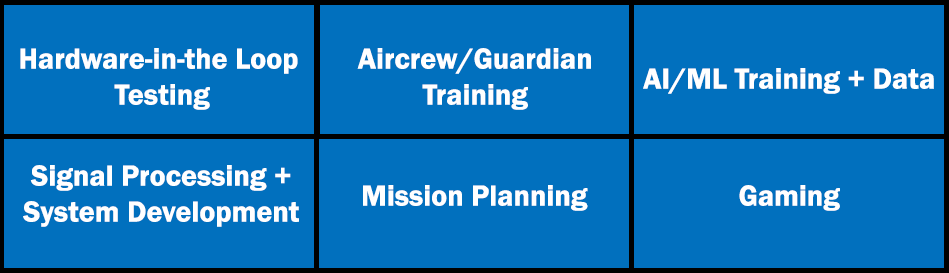
For more than 30 years, RFView® has successfully supported advanced development projects for both government and commercial customers worldwide.
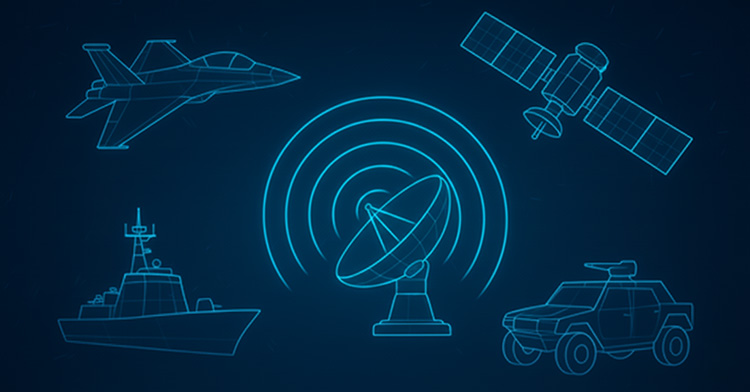
Built on ISL’s industry-leading multistatic RF phenomenology engine, RFView® provides characterization of target returns, direct path signal, ground scattered signal (clutter for radar), direct path signals from interferers, and ground scattered interference signals.
Faster Than Real-Time for Any Application
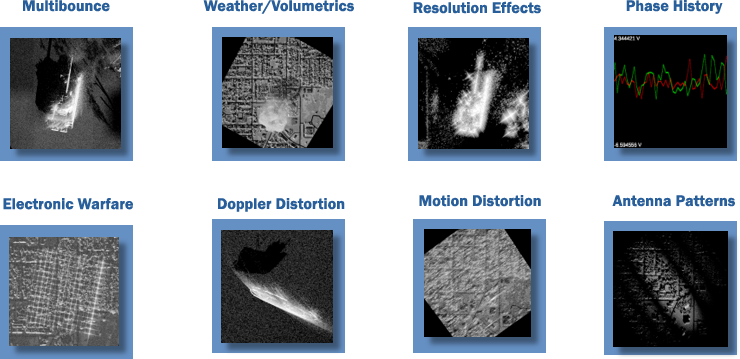
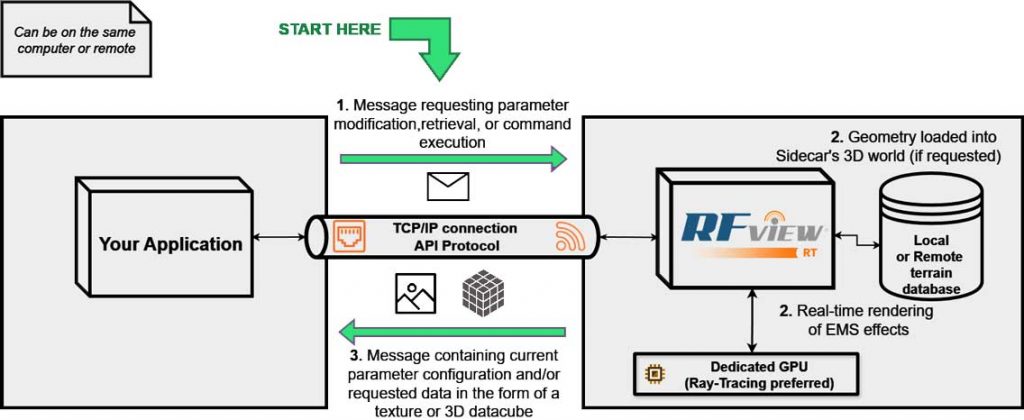
API Architecture
ISL has developed RFView® leveraging GPU hardware and advanced parallel computing techniques as the exciting solution to the real-time, high-fidelity radar simulation problem.
The engine provides state-of-the-art GPU pipeline features such as RTX Ray Tracing support for multibounce wave simulation, solving Maxwell’s Equations in real-time for unparalleled realism. It consists of a fully scriptable application engine that can execute rendering commands and return data in real time, either on the same PC as the user application or using a remote TCP/IP connection.
The engine natively supports terrain, moving/animated models, real-time mechanical physics (including ocean physics), vehicles, buildings, and trees. Combining these features with radar-specific knowledge and expertise, ISL has developed a radar simulation package capable of real-time radar image generation, clutter map generation, and simulated receiver data.
Fully Polarmetric
Multi-channel
Mono-static/Bi-static/Multi-static
Ground-based Radars
Airborne Radars
Space Radars
Simulated Receiver Data
ISAR Example: Real Data
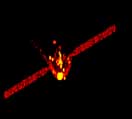
ISAR Example: RT Simulation
The Application Programming Interface
- Local or Remote Data Generation
- Languages:
- C++ C Matlab LabVIEW
- Or integrate existing libraries into your language of choice
- Complete documentation included with every release.
- Common Hierarchy Parameter, Command, and Data Retrieval System Through:
- Graphic User Interface (GUI)
- API
- JSON Save Files
- Hundreds of parameters: platform position, aim point, antenna configuration, resolution, entities/targets, kinematics, etc.
- Commands for Loading Terrain/Scene, Unloading, and Triggering Data Generation
- Large data transfers
- Provide Input to server
- 3D objects: vertices, triangles, and textures terrain elevation data
- Provide Output from server:
- Synthesized Phase History I&Q colored SAR/Scanning images
- Provide Input to server
 Download the RFView RT Brochure